SolitaireHot is not a stripped-down mobile port — it is the same seventeen games with layouts computed for your screen width. This guide covers gestures, orientation, and the Settings and Language pages so phone play feels as capable as desktop.
Touch gestures that match desktop habits
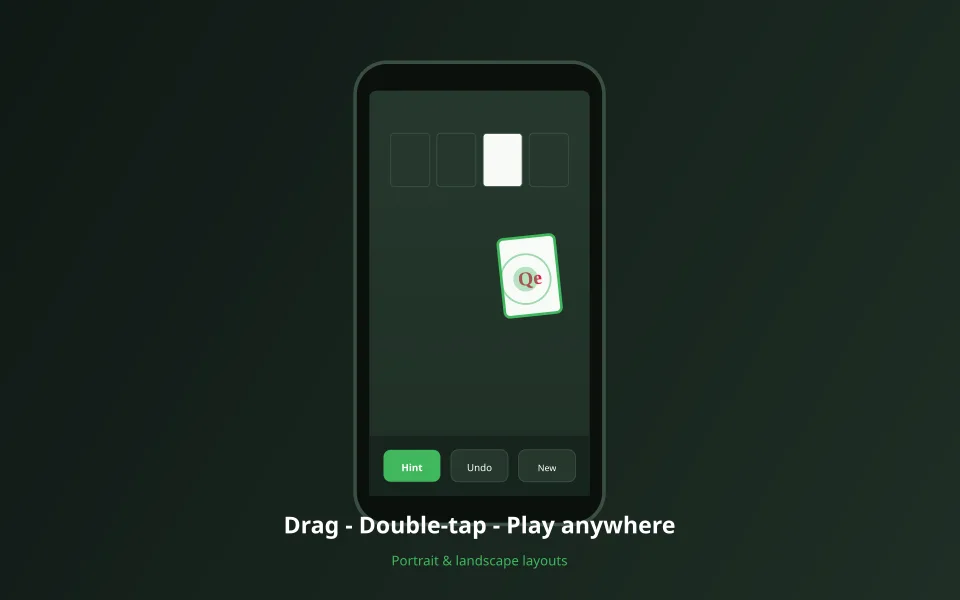
Drag a card or legal stack to a highlighted drop zone. Double-tap a card to send it toward a foundation when the move is allowed — the same shortcut as double-click on desktop. Pinch-zoom is not required; the board layout engine chooses card sizes from viewport width.

Portrait for one hand
Portrait mode stacks the tableau vertically with readable card faces. Klondike and Pyramid work well here. Spider and FreeCell still play fine — rotate if you want wider columns.

Landscape for wide boards
Landscape gives Spider and FreeCell more horizontal room. Rotation does not reset your deal — game state persists while CSS relayout runs.
Mobile checklist on SolitaireHot
- Sticky bottom bar: New Game, Hint, Undo — no hunting through menus mid-deal.
- Add to Home Screen in Safari/Chrome for quick launch (offline-ready where cached).
- Language picker in header or /language — 36 locales, stored in Settings.
- Toggle deal animation under /settings if you prefer instant deals on slow devices.
- Full-screen mode on supported browsers hides browser chrome for more felt space.
Optimize your phone setup
Set language and animations once, then bookmark your favorite variant.