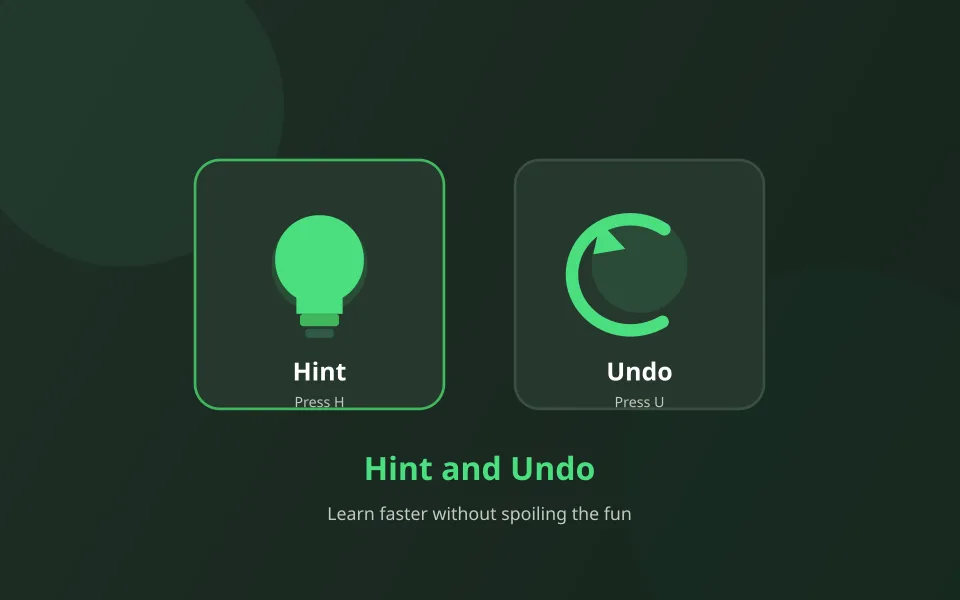
Every SolitaireHot game includes Hint and Undo. Used well, they teach patterns; used as autopilot, they flatten the challenge. This guide suggests a healthy habit for casual play and daily seeds.
A simple Hint rule
Try to find one move yourself first. If you are stuck for more than a short pause, tap Hint once, play the suggestion, then continue unaided. That keeps the “aha” moments while preventing long stalls.
Undo for branch testing
On information-heavy games like FreeCell or Yukon, Undo is perfect for comparing two plans. Make a branch, evaluate, Undo, try the other path. On luck-forward Clock deals, Undo helps less — rematch instead.
Healthy habits
- Limit Hint streaks — if you need three in a row, consider a restart.
- On dailies, use Undo freely; everyone shares the same seed.
- Disable pressure by playing Turn 1 or Spider 1 Suit when learning.
- Check Settings for sound and language so controls stay clear on mobile.
Practice with helpers
Play with Hint & Undo
Start an easy board and practice the one-hint rule.